For home builders, remodelers and specialty trades — framing, drywall, solar, HVAC and more.
The bids, the schedule, the portals, the invoicing and the books that sit behind them — one system for the whole company, on your own private instance.
$299/month per company · Unlimited users · Live demo available now
Pick your trade to read about the demo company closest to your kind of work.
The names, people, jobs and prices in this demo are illustrative.
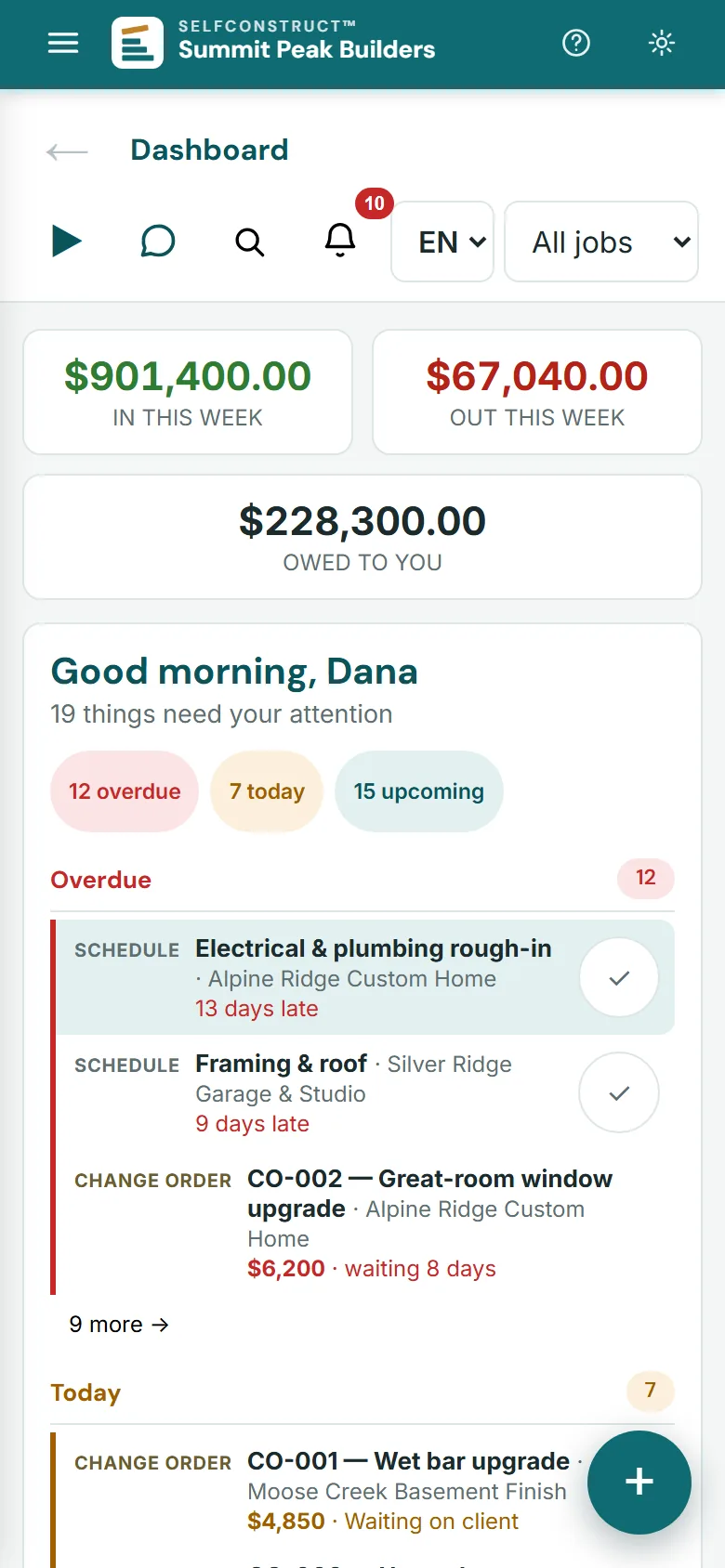
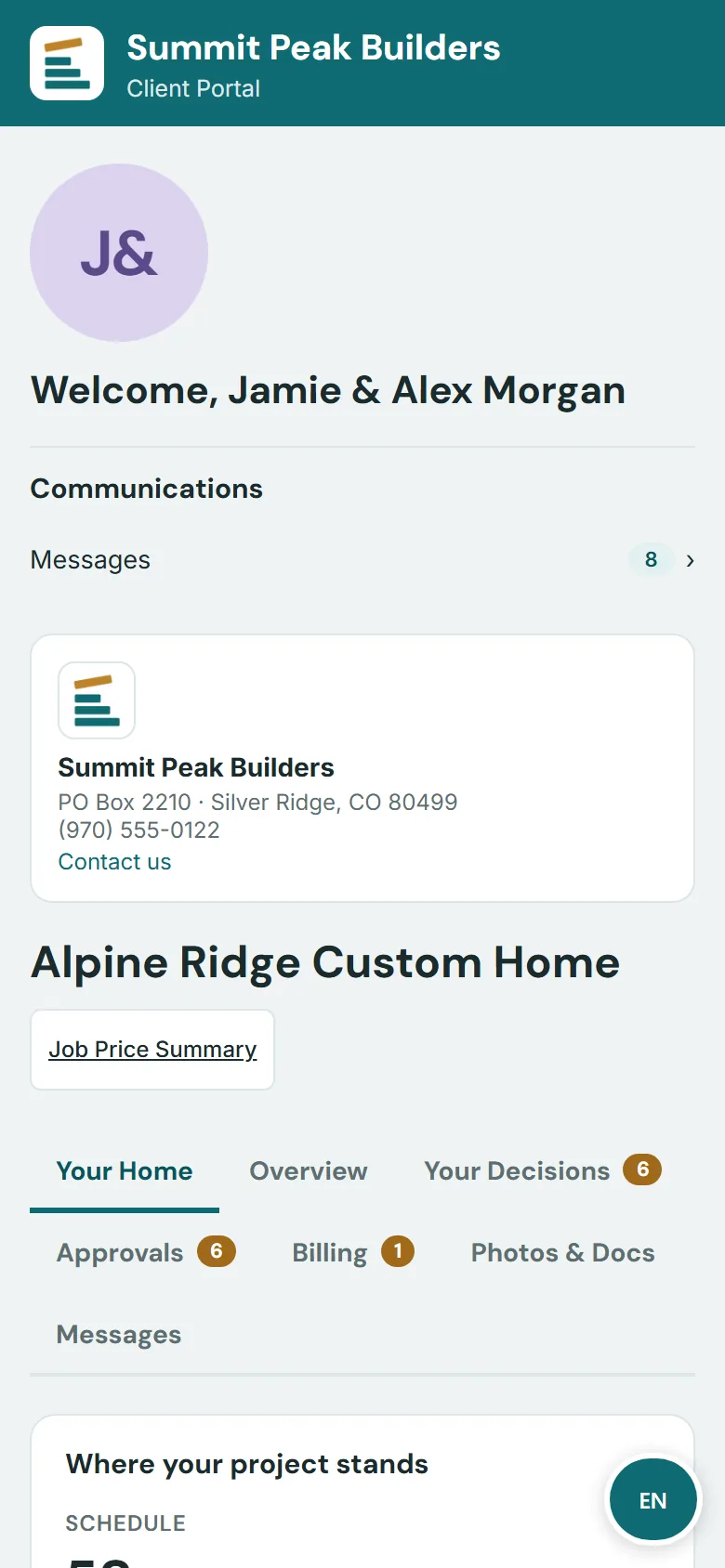
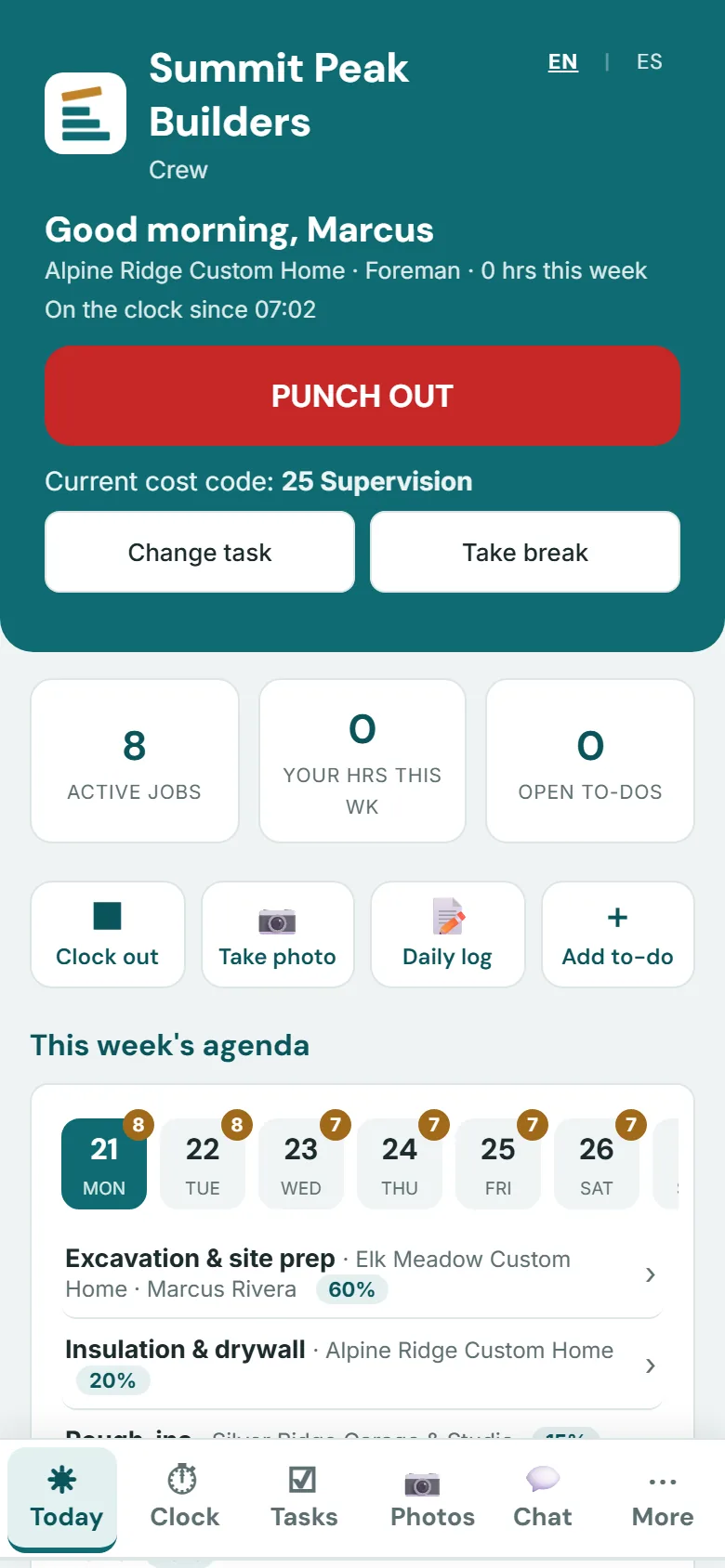
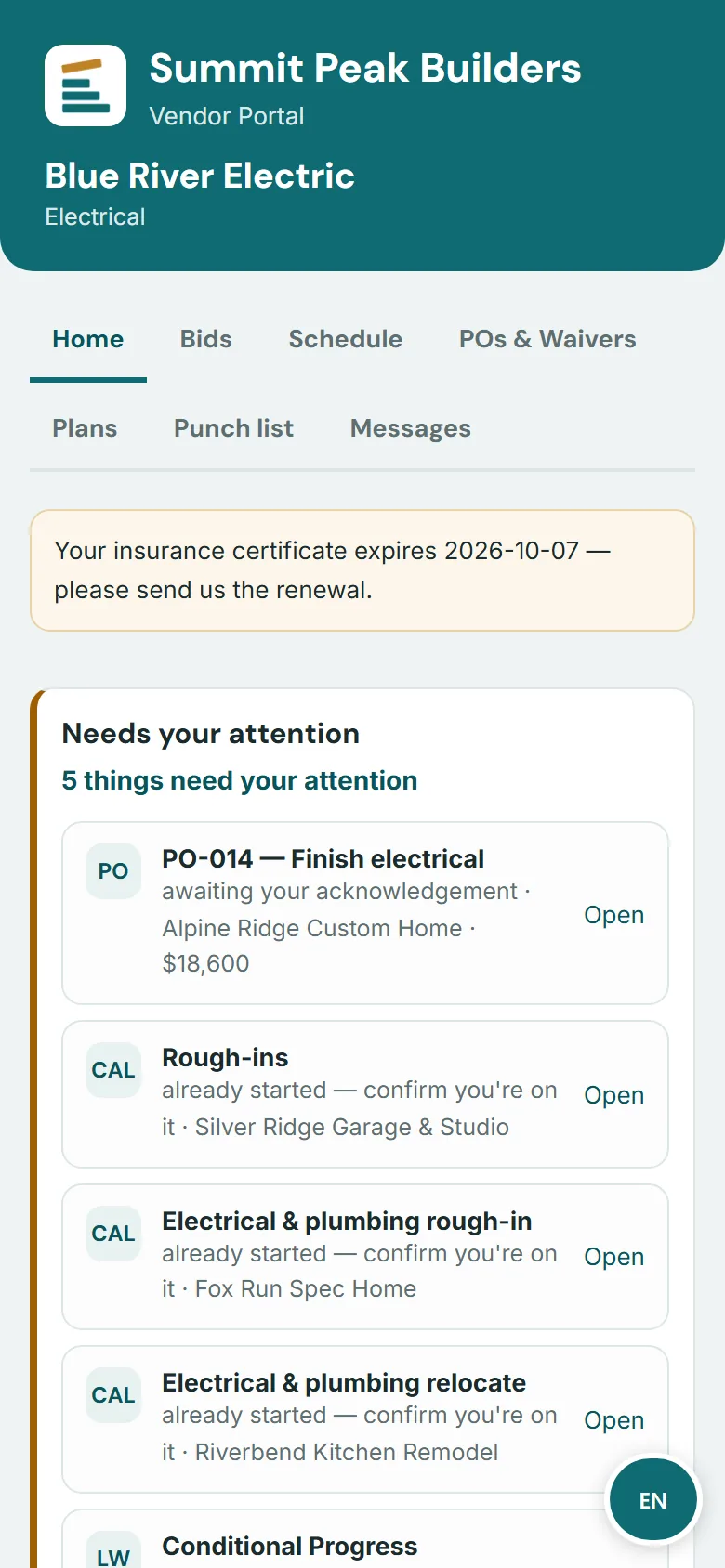
One system, four sign-ins. Clients watch their build. Crews clock in and log work. Subs see their POs and where their payment stands. You see everything.

Progress photos, schedule milestones, selections, change-order approvals and invoices — no login to create, just a job code.
open it live →
Time clock, today's schedule, daily logs and to-dos from a phone — installable like an app, works on the tailgate.
open it live →
POs, bid requests, plan sheets and payment status for every trade partner — with insurance-certificate (COI) tracking on your side.
open it live →
The whole company — sales, schedule, money, books, AI — behind your admin login, branded as your company.
open it live →English & Spanish: the office and the client, crew and sub portals. Each person picks their language on their own device.
An approved estimate becomes the job's budget and its schedule of values. POs and vendor bills land on those same cost codes. Draw invoices and payments post to the ledger. Nothing gets re-typed into a second program.
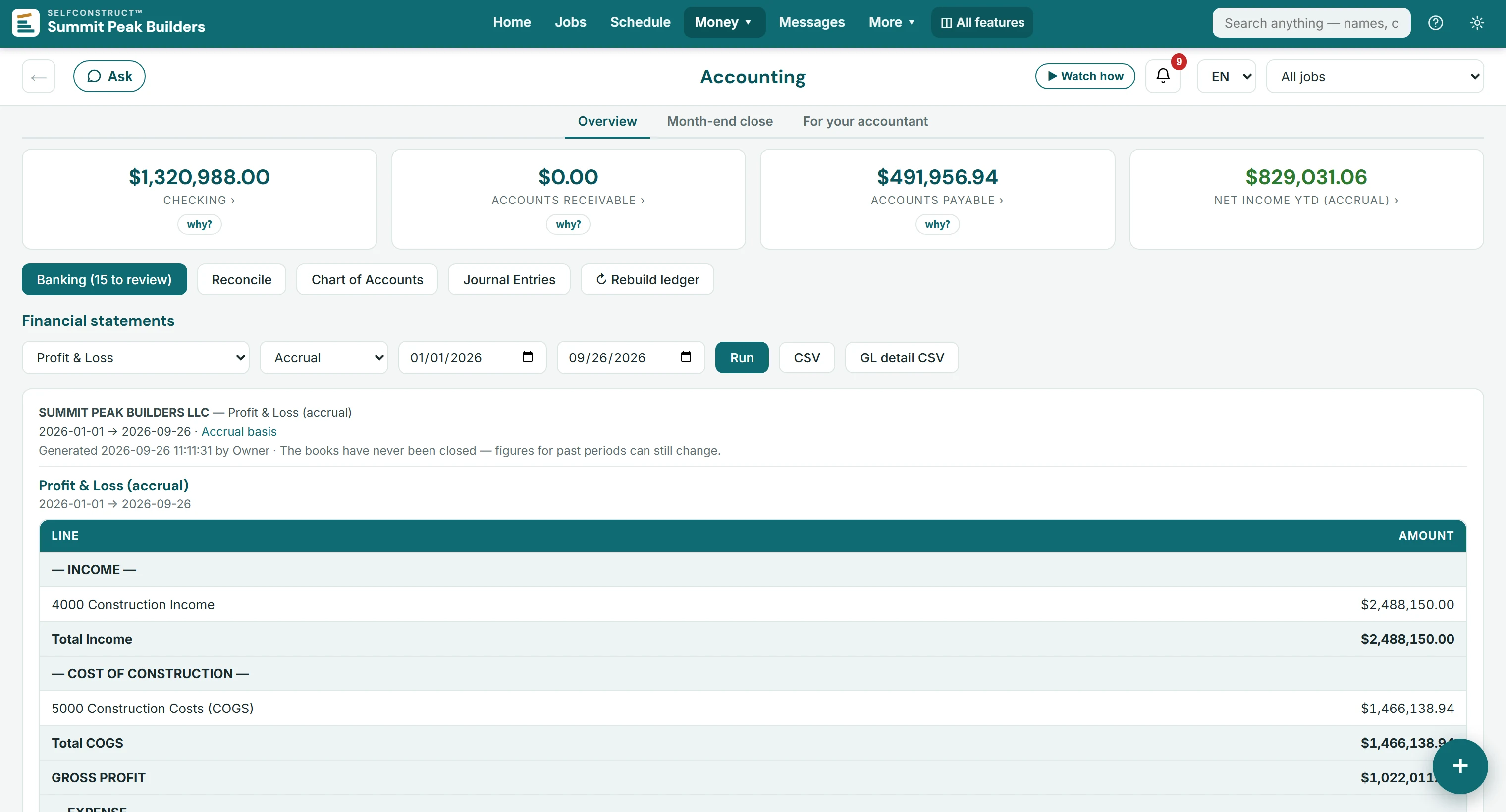
See it in the demo → 02A full double-entry general ledger runs in the same system that ran the build — so job costing and the P&L are reading the same numbers on the same day, not a month-old export.
See it in the demo → 03$299 a month per company. Office staff, crews, subs and clients are all included, so putting another person on the job never costs you more software.
See it in the demo →All six differences, each linked to the demo screen that proves it →
Most construction software makes you bolt a separate accounting system onto one end and a lead service onto the other. SelfConstruct is the whole office — sales to settlement — so a number entered once flows everywhere it should.
A kanban pipeline from first call to signed contract, and a bid builder that sends your client a proposal under your logo, in your colors. They read it on their phone, tick the options they want and sign it online. The cost and margin behind every section stay with you.

Your logo leads, on a band of your color. SelfConstruct appears only as a small credit at the foot of the page.
Shown: Quillback Ridge Builders, a fictional builder made up for these pictures.

Each alternate shows its price. Ticking one re-prices the contract on the page (here $1,276,600 becomes $1,318,100), and the choice is recorded when they sign.

Consent, a one-time code, a typed name and a drawn signature. The signed version is locked as the contract.

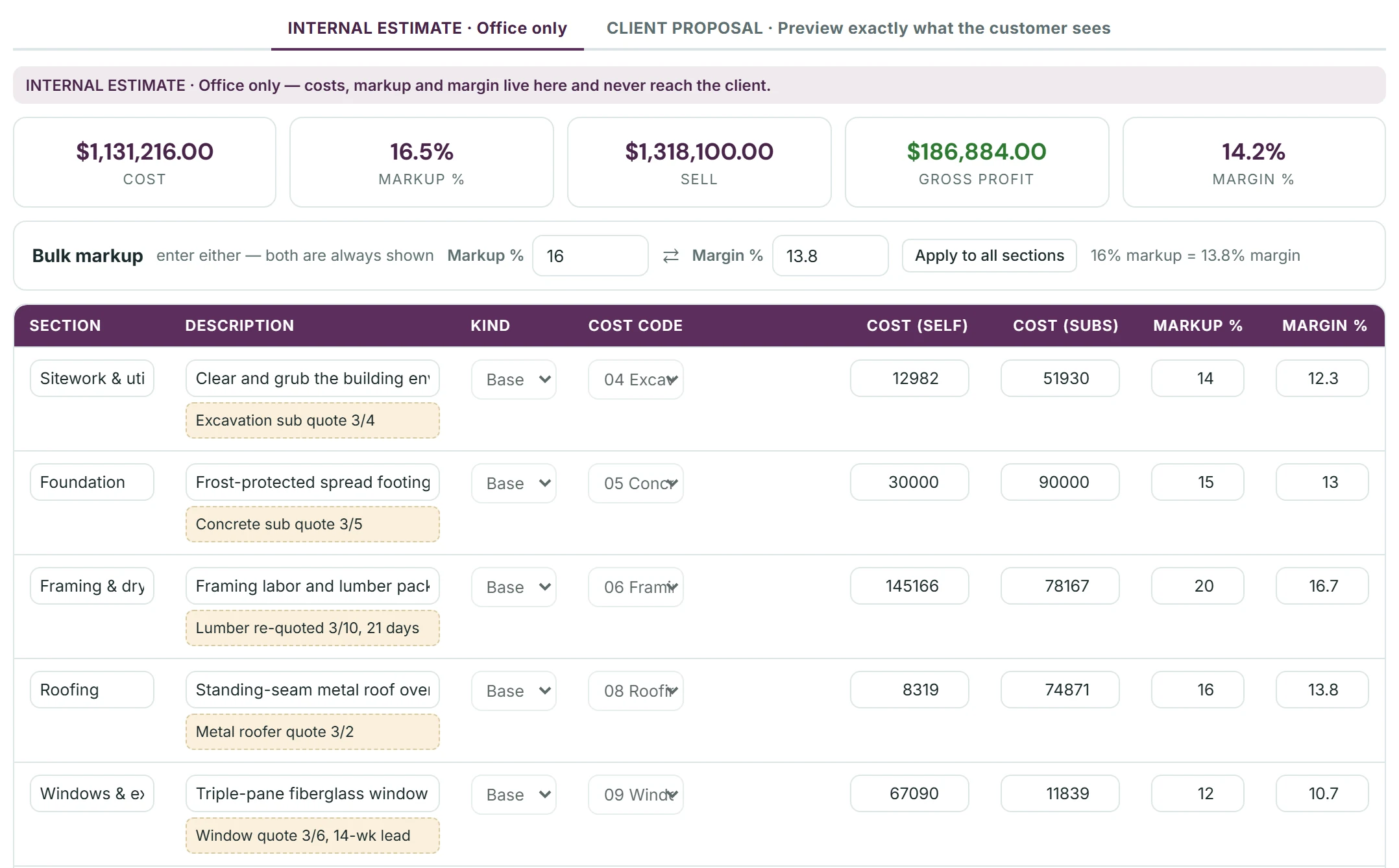
The numbers stay in the office. Under the bid's totals, every section carries its cost code, its own and subcontract cost, and its own markup and margin.The whole bid's cost, markup, sell, gross profit and margin, and a bulk markup you can enter as either markup or margin. The sections become the job's budget, with the original estimate pinned to track against actual. Your costs, markup and margin never reach the client.

Locked as the contract. The signed v1 can't be edited; a change becomes a new version, or a change order once the job exists. Create Project opens the job with its budget and schedule of values of 16 cost-coded lines, the client's selections, the lead's files and the deposit invoice.

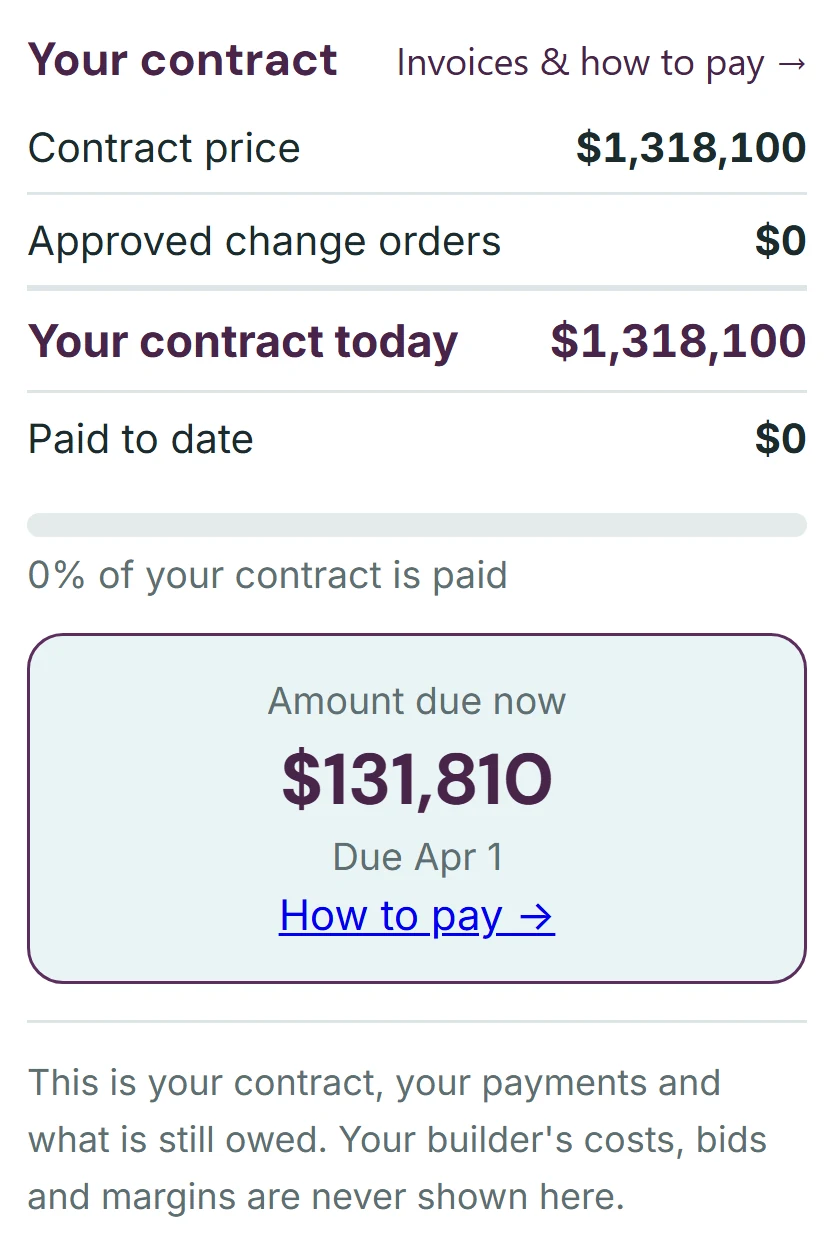
In their portal, in your color. The contract card already shows the $131,810 deposit due now, with how to pay it, and tells the client that your costs, bids and margins are never shown there.
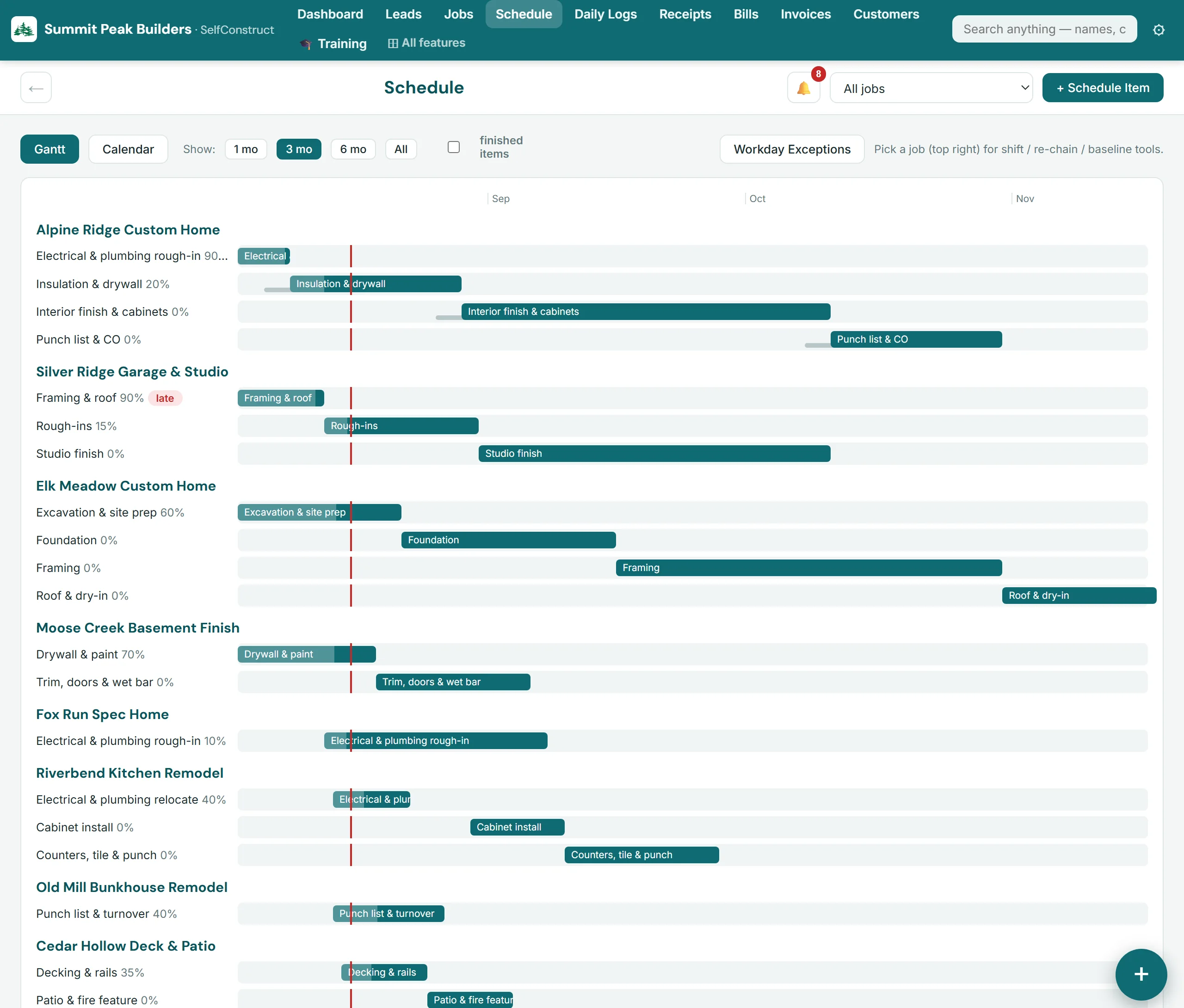
Gantt and calendar views with dependencies, baselines, and client-visible milestones. Daily logs, to-dos, change orders, selections, RFIs, submittals, warranty — every moving part of the build, tracked where the crew already is.

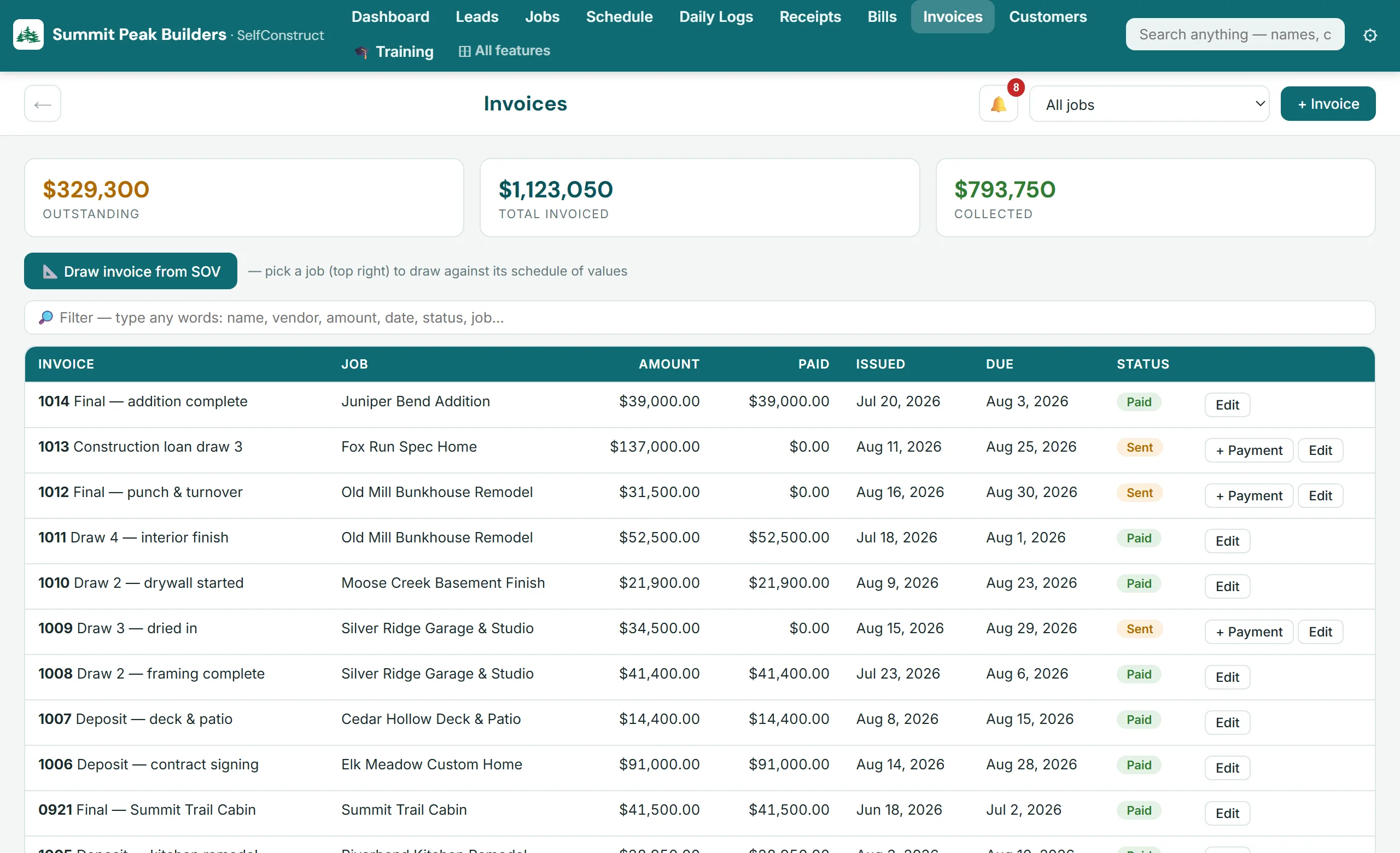
Estimates, budgets, POs, vendor bills, draw invoices against a schedule of values, lien waivers — landing in a full double-entry general ledger with banking import, reconciliation, and financial statements in the formats accountants work from.

This is the part most software leaves out: SelfConstruct is the accounting system. Every invoice, bill, and payment posts itself to a real chart of accounts. No sync jobs and nothing entered twice. Payroll runs and tax filings stay with your payroll provider, and an independent construction-CPA review is planned, not finished — the accountants' page spells out both.

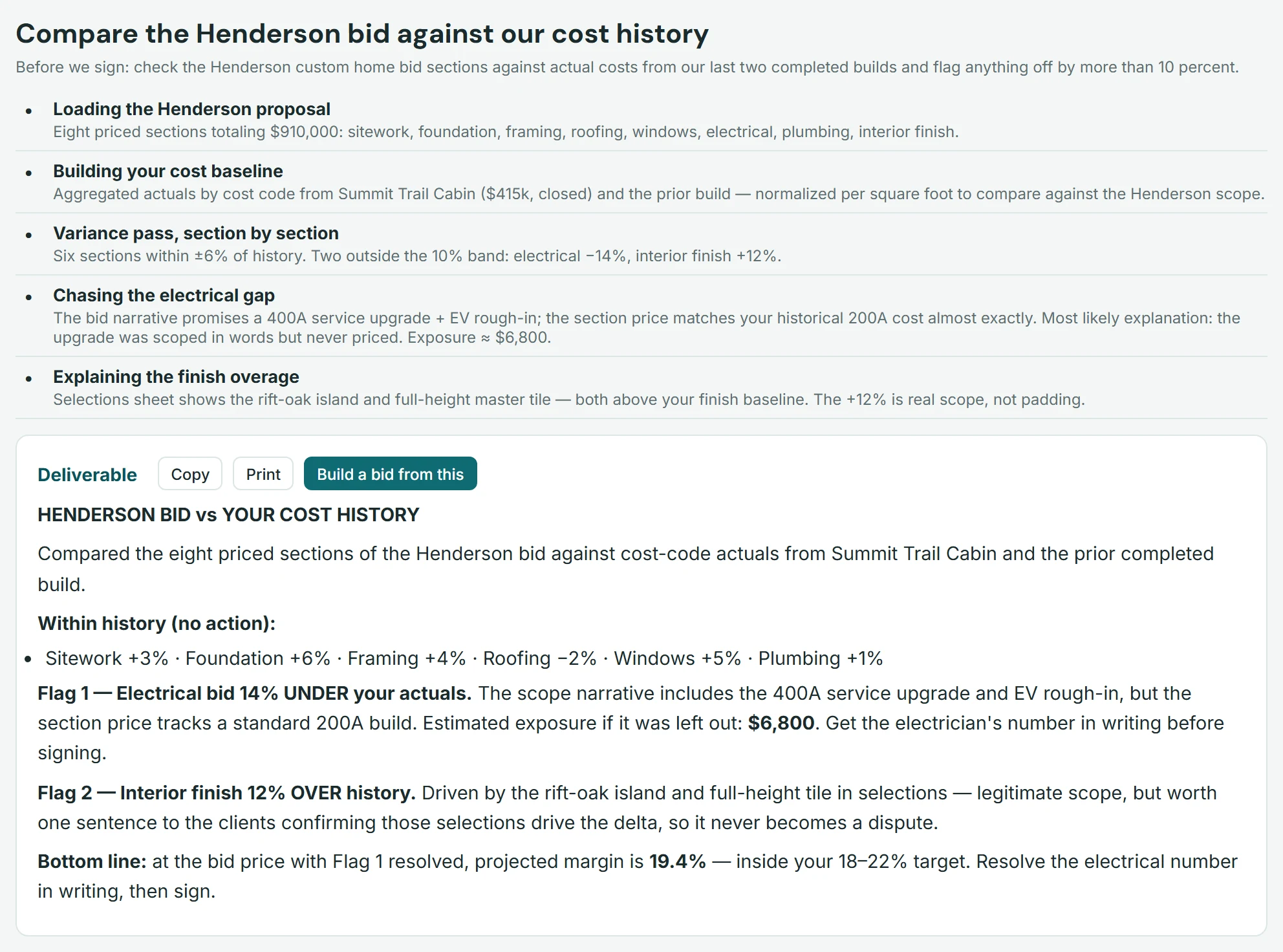
Hand it a plan set, a county letter, or a bid — it reads your documents, checks your own cost history, and hands back a finished deliverable. Not a chatbot bolted on: an office assistant wired into your jobs, bids, and books.
In the demo company, the AI compared a $910,000 bid against the builder's own cost history and flagged an electrical section priced for a 200A build — while the scope promised a 400A upgrade. That's the kind of miss that eats a margin.

No per-seat math, no "percent of construction volume," no tiers to decode. $299 a month per company runs the whole system for everyone in it.
Opens a short form. Nothing is paid here; a person sets up your company, usually within one business day.
Need more in a busy month? Optional add-ons — AI credit packs from $19, extra onboarding help — set up with you on your walkthrough. None of it is required.
One plan, month to month by default — or pay annually and get 2 months free. Annual is a choice, never a requirement; no onboarding fee, no per-seat surprises.
The price on this page is for one company, and it does not change when you add people. It includes 50 GB of files and records; beyond that, storage is $10 per extra 10 GB a month. Each additional company you run is another $299 a month, on its own private instance with its own books. Prices are in US dollars, before any sales tax that applies.
The demo is a complete fictional builder — jobs mid-build, a live schedule, invoices, books that balance to the cent and finished AI tasks. No trial clock. It's view-only, so click fearlessly — you can't break anything.
Opens a short form. Nothing is paid here; a person sets up your company, usually within one business day.
Rather be shown around? Book a walkthrough
Tell us where to reach you — we'll set up a 30-minute walkthrough, usually within one business day. No pressure, no contract talk unless you want it.